
Copilot Won't Fix Bad Data: A 3-Step Cleanup Before You Switch It On
Written by Index of Solutions team
Copilot Won't Fix Bad Data
Microsoft Copilot in Dynamics 365 Business Central can help with everyday work, such as suggesting matches during bank reconciliation or drafting product descriptions. It's a useful addition.
But Copilot works with the records you already have. If those records are messy, its suggestions will be messy too.
Why data quality decides the result
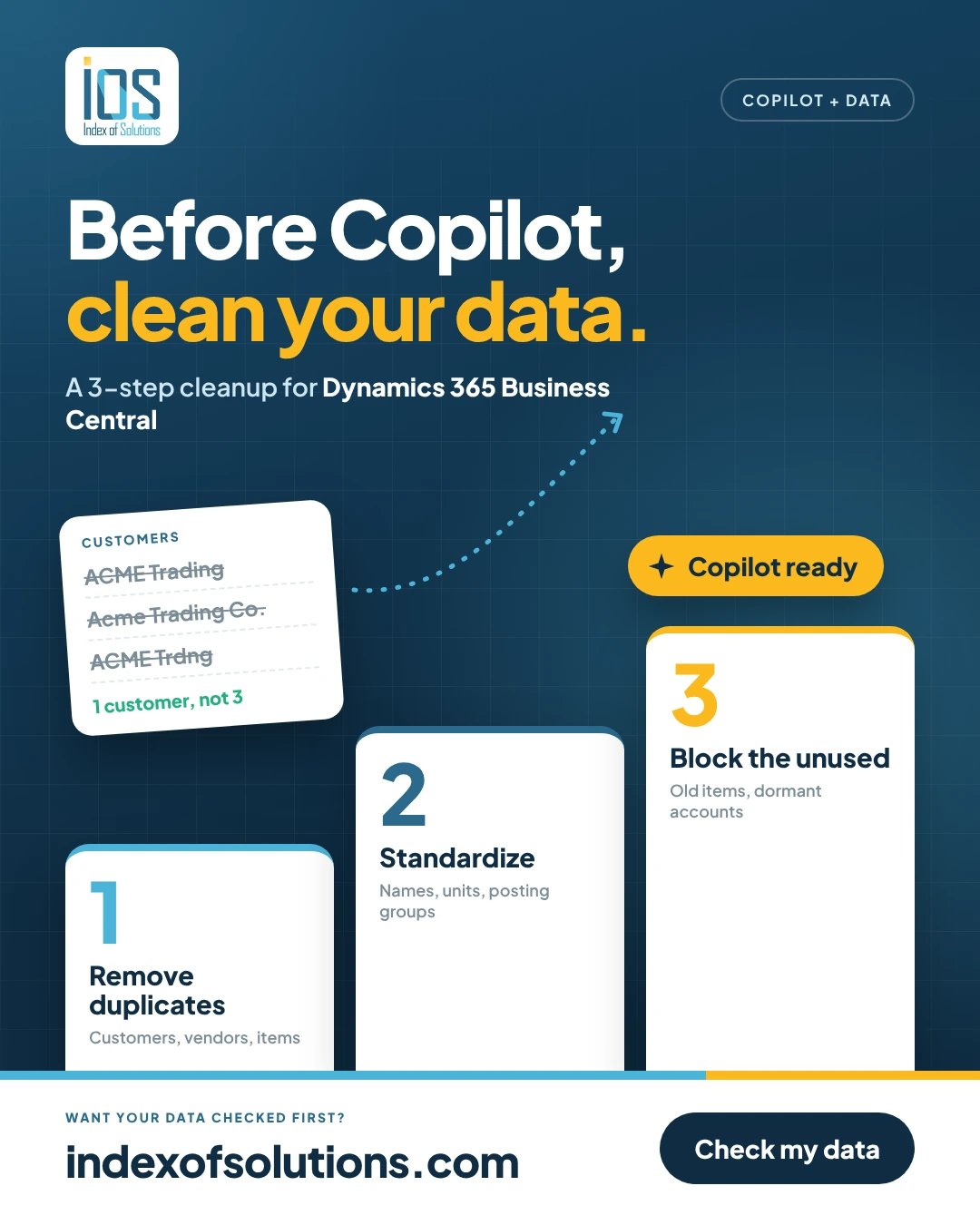
Imagine "Acme Trading", "Acme Trading Co." and "ACME Trdng" all exist as separate customers. A person knows they are the same company. An AI tool sees three. Suggestions, matches and summaries start to drift, and your team stops trusting the tool after the first few wrong answers.
Clean data is what turns a helpful assistant into a reliable one.
The 3-step cleanup
1. Remove duplicates
Start with your most-used lists: customers, vendors and items. Look for matches by tax or VAT number, phone, email and similar names. Merge or block the extra records so each real-world company appears once.
2. Standardize
Agree on one convention and apply it everywhere:
- Names (full legal name, one spelling)
- Units of measure (pieces, boxes and cartons used consistently)
- Posting groups
- Addresses and country codes
- Item descriptions
3. Block what's unused
Items with no movement for years, dormant customers, old vendors and retired accounts add noise. Blocking them keeps your history intact while keeping them out of daily work and out of suggestions.
A 5-minute health check
Open your customer list and sort by name. Do you see near-identical entries next to each other? Now open the item list. How many items have no unit of measure or no category? Check vendors for missing tax numbers.
If you find problems in five minutes, there are many more underneath.
When to do it
- Before you turn on Copilot features
- Before a migration or upgrade, so you don't carry old problems into a new system
- Once a year as routine maintenance
How we can help
A data review is a small, focused piece of work. We look at your records, report what we find, and help you fix it safely, without losing history.
See our Microsoft Copilot for Business Central service or talk to us about a data check before you start.