
Dynamics NAV to Business Central Upgrade
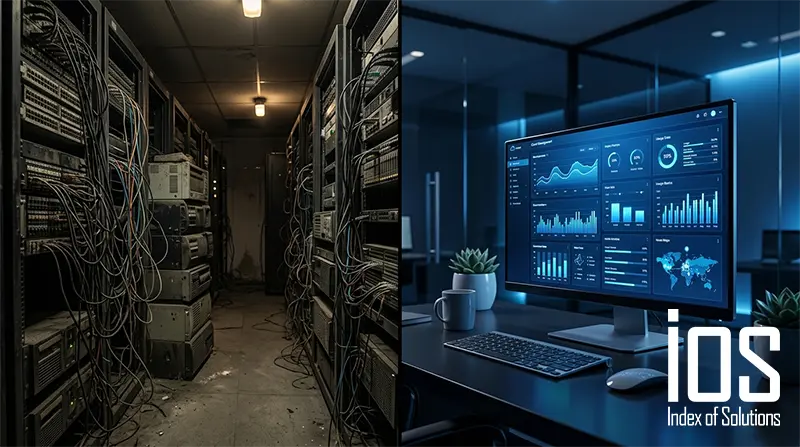
If you're running Microsoft Dynamics NAV (any version from NAV 2009 to NAV 2018), your system is either already end-of-support or approaching it. Business Central is the direct successor to NAV — and upgrading gives you cloud access, Copilot AI features, regular automatic updates, and modern integrations that NAV simply can't deliver.
Why Upgrade Now?
- NAV versions are progressively losing Microsoft support
- Business Central receives automatic feature updates twice a year
- Cloud deployment eliminates server maintenance costs
- Microsoft Copilot AI is embedded in BC — not available in NAV
- Modern API integrations with e-commerce, banking, and third-party apps
Our NAV to BC Upgrade Process
We've migrated dozens of Lebanese businesses from NAV to Business Central. Our process preserves your historical data, remaps your customizations to BC extensions, and minimizes downtime during the transition.
Step 01
Audit your current NAV version and customizations
Step 02
Map which NAV customizations to rebuild, replace, or retire in BC
Step 03
Migrate data and configure BC environment
Step 04
Parallel testing — run NAV and BC simultaneously before cutover
Step 05
Go-live and decommission NAV
Frequently Asked Questions.
Will we lose our historical data from NAV?
No. We migrate your full transaction history and master data into Business Central.
How long does a NAV to BC upgrade take?
Typically 2 to 4 months depending on the number of NAV customizations you have.
Our NAV is heavily customized — can it still be upgraded?
Yes. We assess every customization and rebuild what's needed as BC extensions.