
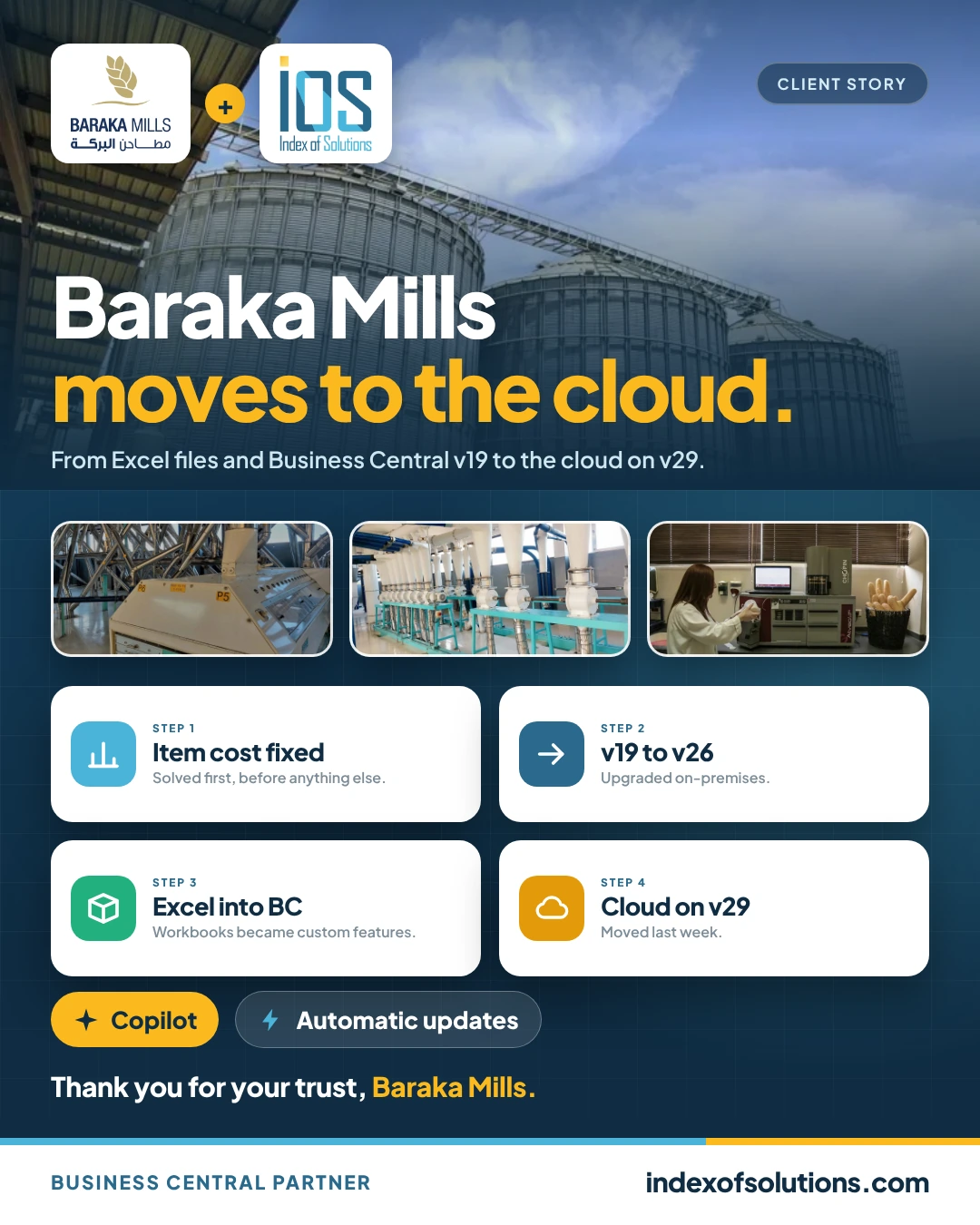
How Baraka Mills Moved from Excel and an Old Version to Business Central Cloud
Written by Youssef Nasser
How Baraka Mills Moved from Excel and an Old Version to Business Central Cloud
Some ERP projects start with a new system. This one started with a system that was already there, and a team that wanted it to work better.
Baraka Mills (مطاحن البركة) is a Lebanese flour and semolina producer. The Shabarek family has worked in milling for nearly a century, and Baraka Mills itself was founded in 2003. Its products include Extra, Zero and Baladi flours and semolina, and the company holds food safety and quality certifications including ISO 22000, ISO 9001 and FSSC 22000.
At the beginning of 2026, Baraka Mills started working with Index of Solutions. They already had Dynamics 365 Business Central, set up with another partner. This is what we did together, in order.
Where they started
Baraka Mills ran Business Central on-premises, on version 19. Three things held the system back:
- An item cost issue that had to be solved before anything else.
- An old version, which meant missing newer features and a growing distance from Microsoft's current releases.
- Excel workbooks outside the system. Workbooks were filled in outside the ERP, next to Business Central.
Step 1: Fix the item cost first
Cost is the base of every margin figure, so we started there. An upgrade or a new feature built on wrong costs only spreads the problem.
Step 2: Upgrade from version 19 to version 26
With costs under control, we upgraded Business Central on-premises from version 19 to version 26. A jump across this many versions needs a plan, not just a button: checking customizations, testing the data after each stage and rehearsing the cutover before touching the live system.
The result was a current, supported version of Business Central, and a base ready for what came next.
Step 3: Bring the Excel workbooks into Business Central
Excel is flexible, which is why it spreads. The cost is that the data sits outside the ERP. It is hard to control who changed what, hard to combine with live figures, and it depends on the person who built the file.
We took the workbooks the team filled outside Business Central and rebuilt them as custom features inside Business Central. The team now enters this information where the rest of the company data already lives.
Step 4: Move to Business Central cloud, version 29
Last week we moved Baraka Mills to the Business Central cloud on version 29. The reasons were clear from the start:
- Copilot. Business Central's Copilot features are built for the cloud service, which is why this was a reason to move.
- Automatic updates. In the cloud, Microsoft keeps the service current. Staying up to date stops being a project the company has to plan, fund and run every few years.
Doing the move after the upgrade and the Excel migration meant the company moved a clean, current system, not a pile of old problems.
Why the order mattered
- Cost first. Nothing built on wrong costs can be trusted.
- Upgrade second. A current version is the base for new features and for the cloud.
- Excel third. Once the system is current, the custom features can be built on the right version.
- Cloud last. The move is smoother when the data and customizations are already in order.
"Thank you very much for the very smooth upgrade to the cloud, we can say it was easy with no problems, as expected, everything was great." Mahmoud Shabarik, CEO
What other companies can take from this
- You do not have to start over. An existing Business Central system, even an old one, can be repaired, upgraded and moved to the cloud.
- Count your Excel files. Each workbook that feeds or copies Business Central is a candidate for a feature inside it.
- Ask what the cloud gives you. If your plan includes Copilot or less upgrade work, the cloud is the way to get there.
- Change partners if you need to. Baraka Mills had a partner before us. The system worked better once the right guidance was in place.
Thank you, Baraka Mills
We are grateful to Baraka Mills for the trust they gave us from the first months of 2026, and proud of what the team there now has in hand.
If your Business Central is on an old version, if you still maintain Excel files next to it, or if you are weighing the move to the cloud, get in touch. You can also read about our Business Central consultancy and implementation services.